

Table of Contents
- Fitness Tracker vs Smartwatch: How They Differ for Daily Activity
- Battery Life, Displays, and Design: What Changes Day to Day
- Health Metrics and Daily Activity Tracking Compared
- Fitness Tracker vs Smartwatch for Sleep Tracking
- Best Fitness Trackers for Data Driven Athletes 2026
- How to Choose a Fitness Wearable for Your Goals
- Privacy, Software Support, and Third-Party App Integration
- Frequently Asked Questions
Last Updated: September 15, 2026
Fitness Tracker vs Smartwatch: How They Differ for Daily Activity
The fitness tracker vs smartwatch for daily activity decision comes down to one question: do you want a device that measures your body, or one that runs your life? Most buyers assume the two are interchangeable, and that assumption leads to the wrong purchase roughly half the time. This guide from PureFitnessWarehouse.com covers battery life, health metrics, sleep tracking, and the privacy and software questions most comparisons skip.

A fitness tracker is a wearable device built primarily to capture biometric and movement data, such as step counting, heart rate monitoring, and sleep cycle analysis, with a narrow feature set and long battery life.
A smartwatch is a wearable computer that adds notification mirroring, third-party applications, and often stand-alone connectivity on top of basic activity tracking, at the cost of battery longevity.
The difference shapes your routine: a tracker you charge weekly stays on during sleep, when the most useful health data gets collected, while a smartwatch you charge nightly often comes off before bed.
What Counts as a Fitness Tracker
A fitness tracker prioritizes wrist-based sensors over screen real estate: step counting, heart rate monitoring, sleep cycle analysis, and sedentary reminders on a small OLED display. There is no app store or cellular capability, and battery longevity is the headline feature, with many models running several days per charge.
What Counts as a Smartwatch
A smartwatch is a general-purpose wearable that happens to track activity. Notification mirroring, music storage, Bluetooth calling, and interchangeable bands define the category, and many models add blood oxygen saturation and body temperature readings. The trade-off is a charging cycle measured in days, not weeks.
Battery Life, Displays, and Design: What Changes Day to Day
Battery life is the clearest dividing line between the two categories.
| Factor | Fitness Tracker | Smartwatch |
|---|---|---|
| Typical battery life | 5-20 days | 1-7 days |
| Display size | Small, low-power OLED | 1.3-1.8 inch touchscreen |
| Charging cycle | Weekly | Every few days |
| Sleep tracking reliability | High (worn overnight) | Lower (often charging) |
| Notification mirroring | Basic or none | Full |
| Best for | All-day, all-week wear | All-day wear plus phone-free use |
Charging every night loses the overnight window where sleep cycle analysis and resting heart rate trends are captured, undermining the health metrics you bought the device for.

Health Metrics and Daily Activity Tracking Compared
Both categories cover the basics well: step counting, caloric expenditure, heart rate monitoring, and daily activity goals. The divergence appears in sensor depth and how the data gets used.
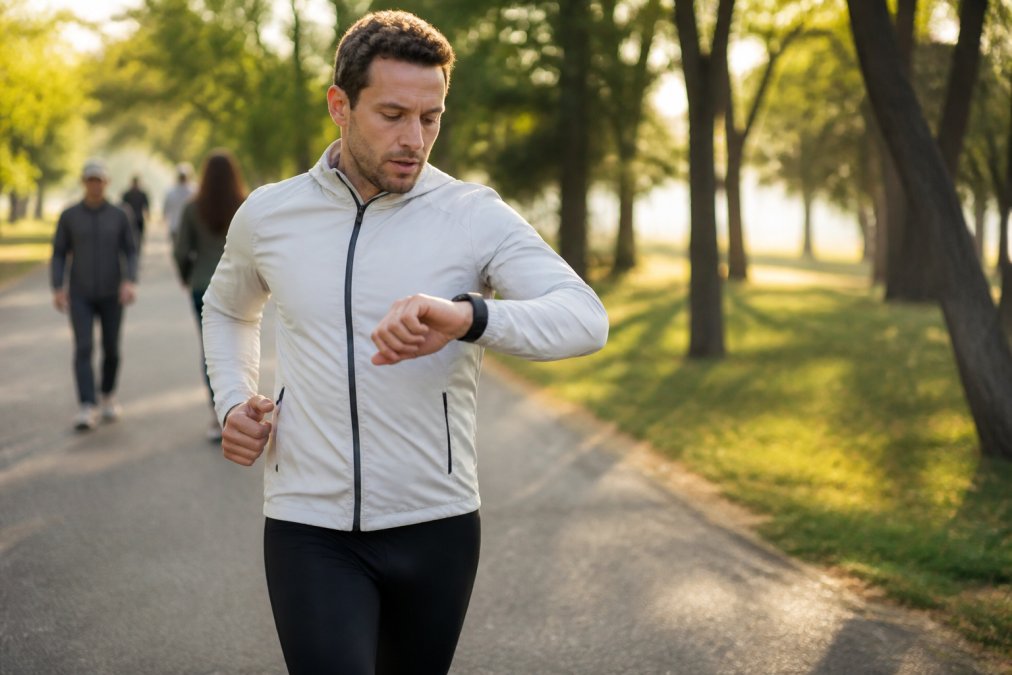
Trackers excel at consistency: fewer sensors mean less power draw, so heart rate is monitored continuously rather than in spot checks. Smartwatches push into advanced territory with VO2 max estimates, blood oxygen saturation, and altimeter-based elevation data.
Sensor count is not the same as sensor usefulness. An altimeter only matters if you train on hills or track vertical gain; for a gym-based lifter, heart rate variability trends are worth more than a barometer.
The Metrics That Actually Change Behavior
Sort the spec sheet by what each metric does for your routine, not by sensor count.
- Step count and active minutes are the baseline. Every tracker and every smartwatch reports them, and the accuracy gap between a $25 tracker and a $400 smartwatch is small for walking. If this is all you need, you are paying for the screen, not the sensor.
- Continuous heart rate is where trackers pull ahead. Because they draw less power, they can sample heart rate every few seconds around the clock instead of every few minutes. That matters for resting heart rate trends, which are most useful when the data is dense overnight.
- Heart rate variability (HRV) is the metric most often cited in recovery discussions. It requires a consistent overnight baseline to be meaningful. A device that charges nightly cannot build that baseline, which is why HRV trends are more reliable on a tracker than on a smartwatch that spends the night on a charger.
- Blood oxygen saturation (SpO2) appears on many smartwatches and a growing number of trackers. It is most useful as an overnight trend, not a spot reading, so the same overnight-wear rule applies.
- VO2 max estimates are a smartwatch strength. They are useful for endurance athletes tracking aerobic fitness over months, but they depend on outdoor runs or rides with GPS to be accurate. A treadmill-only routine will produce a rough estimate at best.
- Altimeter and barometric data only matter if you train on hills or track vertical gain. For a gym-based lifter, that sensor is dead weight.
Our recommendation at PureFitnessWarehouse.com is to match sensors to your training log, not to a spec sheet. If your last month of workouts was mostly weights and treadmill intervals, you do not need an altimeter.
Where the Data Goes Next
Sensor depth is only half the equation. The other half is whether the data can leave the device.
Most wearables sync to a native app first, and the question is what happens after that. If you log workouts or nutrition elsewhere, check whether the wearable exports to that app or only imports from it. One-way sync locks your history in place and forces you to maintain two records.
Before buying, check the manufacturer's list of supported third-party integrations and confirm the sync direction. If the list is short or unclear, assume the data stays in the native app, the difference between a device that fits your routine and one that fights it.
Fitness Tracker vs Smartwatch for Sleep Tracking
For sleep tracking, a fitness tracker wins on most nights for one reason: it stays on your wrist. Sleep cycle analysis depends on continuous overnight heart rate and movement data, and a device on a charger collects none of it.
Smartwatches that stay on overnight can match tracker accuracy, and some add blood oxygen saturation readings during sleep.
What Sleep Tracking Actually Measures
Two metrics matter more than the rest:
The Long-Term Question Most Guides Skip
Before buying, check three things:
Best Fitness Trackers for Data Driven Athletes 2026
| Model | Price | Battery (Normal Use) | Standout Feature | Best For |
|---|---|---|---|---|
| 1.83" IP67 Fitness Tracker | $21.98 | Multi-day | Large 1.83" display | First tracker, travel spare |
| IP67 Y20 Fitness Tracker | $45.36 | 5-7 days | 10-20 day standby | All-week wear |
| T96 Body Temperature Watch | $47.24 | 5-7 days | Body temperature sensor | Long data history |
| Rugged Outdoor Smart Watch | $84.70 | Multi-day | Shock resistance | Trail and hiking |
| MT3 Full Touch Smart Watch | $180.74 | 3-5 days (dual Bluetooth) | 8GB music storage | Phone-free training |
How to Choose a Fitness Wearable for Your Goals
Privacy, Software Support, and Third-Party App Integration
Frequently Asked Questions
Should I get a smartwatch or fitness tracker for daily activity?
It depends on how much you want from your wrist. A fitness tracker focuses on step counting, heart rate monitoring, and sleep cycle analysis with battery life that can stretch 5 to 10 days. A smartwatch adds notification mirroring, music storage, and cellular capability but usually needs charging every 1 to 3 days. If you mainly want daily activity goals and health metrics, a tracker works. If you want calls and apps too, pick a smartwatch.
What are the main differences in battery life between fitness trackers and smartwatches?
Fitness trackers prioritize battery longevity because they run simpler hardware. The IP67 Waterproof Smart Watch Fitness Tracker for Android and iOS ($45.36) gets 5 to 7 days of normal use and up to 20 days standby. Smartwatches with larger OLED displays and more sensors drain faster. The MT3 Bluetooth Full Touch Smart Watch ($180.74) runs 7 to 10 days on Bluetooth LE but drops to 3 to 5 days with dual Bluetooth active.
Do fitness trackers provide more accurate health data than smartwatches?
Accuracy depends on the sensors, not the category. Both use wrist-based sensors like accelerometers and optical heart rate monitors. The T96 Smart Watch ($47.24) includes real-time heart rate, blood pressure, blood oxygen, and body temperature monitoring. More sensors do not automatically mean better data. Check whether the device stores 30 days of exercise and sleep data like the T96 does, so you can spot trends instead of one-off readings.
Which device is better for tracking sleep and recovery metrics?
Most devices in both categories track sleep cycle analysis, but smartwatches often add more recovery context. The Rugged Smart Watch for Outdoor Sports ($84.70) pairs sleep monitoring with heart rate data and activity tracking, useful for athletes who want to see how training load affects rest. For basic sleep duration and sedentary reminders, a lower-cost tracker like the Smart Watch 1.83" IP67 ($21.98) covers the essentials without extra complexity.
Are smartwatches worth the extra cost for casual fitness enthusiasts?
Only if you will use the extras. The MT3 at $180.74 adds 8GB music storage, Bluetooth calling, and notification mirroring. If your routine is walking, gym sessions, and step goals, the Smart Watch 1.83" IP67 at $21.98 delivers heart rate monitoring, calorie tracking, and IP67 water resistance at a fraction of the price. Match the device to what you will actually use daily, not to the longest feature list.